Is Instagram Automation Safe? 7 Reddit-Backed Rules to Avoid a Ban
·Updated ·8 min read
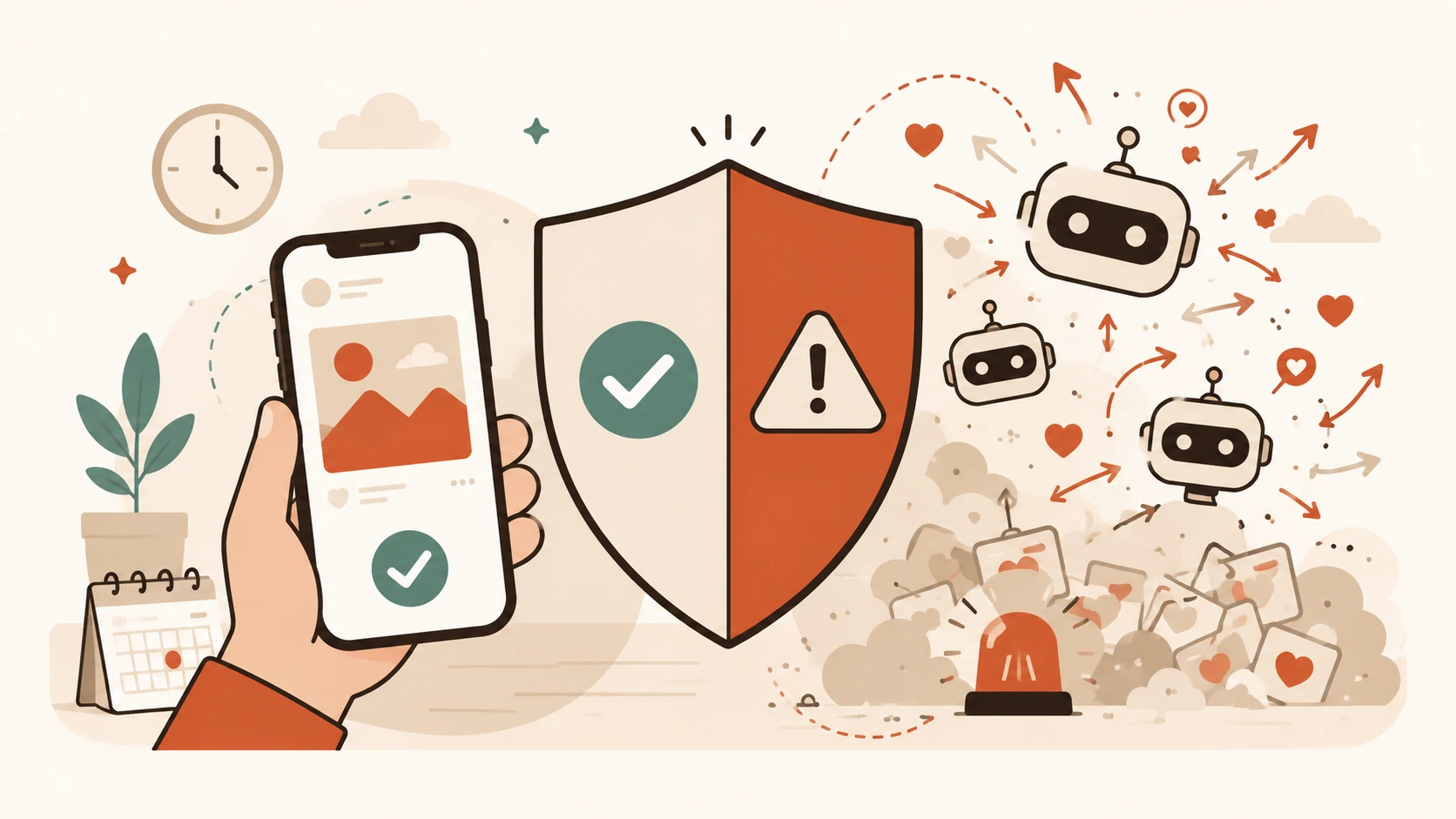
“Instagram automation” covers two very different products. One schedules content you created. The other imitates engagement by following accounts, liking posts, leaving comments, or sending DMs for you. Treating them as equivalent makes it harder to evaluate the real policy and security risks.
Meta offers supported APIs for content publishing, while Instagram's Community Guidelines prohibit artificially collecting engagement and repetitive commercial contact without consent. These seven checks help you stay on the lower-risk side of that line. They are practical guidance, not a guarantee against restrictions.
1. Separate content scheduling from engagement bots
Scheduling means a person creates a post and chooses when it publishes. Engagement automation means software performs follows, likes, comments, or DMs. Meta supports content publishing through its tools and APIs. That does not authorize unrelated engagement automation or override Instagram's policies.
2. Avoid mass follow and unfollow tools
These services follow accounts to solicit follow-backs, then unfollow them later. The behavior artificially collects followers, the exact category Instagram addresses in its Community Guidelines. A slower setting or “human” mode does not change the underlying action.
3. Skip auto-likes, auto-comments, and auto-DMs
These tools contact or engage with people without reviewing the context. Generic comments and unsolicited DMs can create spam, brand, and consent problems even before platform enforcement becomes an issue. Keep audience conversations human.
4. Treat “growth” and “warm-up” claims cautiously
A “warm-up” label often describes engagement bots operating at a gradually increasing rate. The label does not make prohibited engagement compliant. Ask exactly which actions the service performs, under which permissions, and through which Meta API.
5. Verify the connection method
Prefer a tool that sends you to Meta's authorization screen, requests only the permissions its features need, and explains how to revoke access. Compare vendor claims with Meta's Instagram Platform overview. An unofficial or “private” integration should get extra scrutiny.
6. Never give a scheduler your raw password
With OAuth, you approve access on Meta's site and the tool receives specific permissions rather than your password. A service that asks you to type your Instagram password directly into its form creates a security risk and may indicate an unsupported login method.
7. Review access and respond to restrictions directly
Regularly review connected apps and remove anything you no longer use. If Instagram restricts an action, stop the automation and follow the instructions shown in the app. Trying to route around a restriction with another service adds risk instead of resolving the cause.
Lower-risk vs. higher-risk patterns
| Lower-risk pattern | Higher-risk pattern |
|---|---|
| Scheduling content you approve | Mass follow or unfollow automation |
| Supported publishing APIs | Auto-likes, comments, or DMs |
| OAuth with revocable permissions | Sharing your Instagram password |
| Clear publishing and analytics features | Guaranteed growth or fake engagement |
Where Donivo fits
Donivo connects through Meta's supported authorization and publishing flow. It publishes the content you approve at the time you choose. It does not follow, like, comment, or send DMs on your behalf. That narrower scope reduces risk but does not create a guarantee against platform restrictions.
You can also schedule Instagram posts with Meta's native tools if Instagram is the only network you manage.