10 Social Media Content Creator Tools for 2026
·Updated ·16 min read

One campaign is ready to go. Now the work starts. You need a version for Instagram, a tighter cut for TikTok, a professional angle for LinkedIn, a thread for Threads or Bluesky, a review pass from a teammate, and some confidence that the scheduled posts will publish when they are supposed to.
That is where most tool roundups get sloppy. They treat social media content creator tools like a single shopping category, when the decision is about the bottleneck in your workflow. Some teams need dependable cross-network publishing. Others need visual planning, approvals, reporting, or a better way to keep evergreen content moving without rebuilding the calendar every week.
The market is large enough now that this distinction matters. A 2026 creator economy report places the market in the hundreds of billions and projects further growth, while other estimates use different boundaries and dates. The direction is clear: creator workflows and the software around them are expanding, but more options do not automatically make the choice easier.
The best approach is simple. Choose the workflow before the tool.
For this list, I am looking at publishing coverage, format handling, collaboration, analytics depth, pricing transparency, reliability, and how hard each product is to implement in a real working setup. Donivo stands out if you want a focused publishing workflow across modern networks without enterprise overhead. If your center of gravity is analytics, visual planning, or agency reporting, another tool on this list may fit better. If you are also comparing broader systems beyond social scheduling, this marketing workflow platforms comparison is a useful parallel read.
1. Donivo

A common breakdown looks like this: the content is approved, the assets are ready, and publishing still turns into manual cleanup across five or six networks. Copy has to be trimmed for one channel, a thread has to be split for another, and if a post fails, someone notices too late. Donivo fits that specific job. It is a publishing tool for creators and teams that want cross-network distribution to stay controlled, fast, and affordable.
That focus matters in this list because not every tool solves the same bottleneck. Donivo is strongest at dependable posting across modern networks. It is less suited to teams whose main problem is visual feed design, advanced reporting, or agency-grade client dashboards.
It supports Facebook, Instagram, X on paid plans, YouTube, TikTok, LinkedIn, Threads, and Bluesky from one composer. For a team running one campaign across several networks, that saves repeat work. The practical win is not just scheduling. It is being able to write a base post once, adapt it per network, and keep the publishing step from turning into a chain of small manual tasks.
Where Donivo fits best
Donivo makes the most sense when distribution is the weak point in your workflow. If content creation already happens elsewhere and the issue is getting approved posts live on time, its feature set lines up well. It also uses OAuth connections instead of password sharing, which follows platform-standard connection methods such as Instagram's Business Login flow.
The setup is straightforward. Create the post, attach media, customize by channel where needed, then publish now, queue it, or place it on the calendar. That simplicity is part of the trade-off. You get less operational drag, but you also give up the heavier analytics and listening layers that some larger suites include.
What works in practice
The useful parts are mostly operational.
- Cross-network composer: Draft once, then tailor copy and formatting by platform without rebuilding the whole post.
- Failure handling: Automatic retries and email alerts reduce the chance that a failed publish sits unnoticed.
- Workspaces: Helpful for agencies, multi-brand teams, or internal departments managing separate calendars.
- Clear pricing: Plan limits are visible, which makes it easier to judge fit before rollout.
- Built-in utility tools: Extras like the image resizer, UTM builder, thread splitter, post preview, and timing tools remove a lot of small production friction.
I would choose Donivo over a broader suite when the team keeps missing consistency, not insight. If reporting is already handled somewhere else, paying for a bigger platform can add complexity without solving the bottleneck.
Pricing is also easy to read. The Free plan includes 3 social accounts and 30 posts per month, with email notifications and no X support. Starter is 6 €/month at the founding price, regularly 9 €/month, with 2 workspaces, up to 10 social accounts per workspace, and 300 posts per month. Pro is 12 €/month at the founding price, regularly 19 €/month, with 5 workspaces, 20 accounts per workspace, and 1,000 posts per month. Agency is 49 €/month with unlimited workspaces, accounts, and posts. Annual billing includes two months free, and paid plans include a 7-day trial.
Where it has limits
Donivo is not the right pick if your workflow depends on deep historical analytics, broad social listening, layered permissions, or a large integration ecosystem. Those jobs are covered better by other tools later in this list.
That limitation is reasonable for the audience it serves. A lighter product is easier to implement, easier to train on, and cheaper to keep in place. If you want broader category context before choosing, this review of 21 social media scheduling tools compared is a useful reference point.
Choose Donivo if your main requirement is reliable publishing across several networks without enterprise overhead. For solo creators, lean marketing teams, nonprofits, and smaller agencies, that is a strong fit.
2. Buffer
Buffer has stayed relevant by keeping its product approachable. If you are a solo creator or small team and you want something you can understand quickly, Buffer usually gets shortlisted for good reason.
Its strength is the everyday publishing workflow. The interface is clean, the queue model is easy to grasp, and the pricing structure is transparent enough that you can usually predict how the tool will scale as you add channels. Buffer supports a wide range of networks, including Threads and Bluesky, alongside the major platforms.
Best for simple cross-posting
Buffer works well for teams that do not want to over-engineer content operations. You get a centralized composer, a calendar, multi-profile posting, first-comment scheduling, lightweight analytics, and support for a broad spread of channels.
Buffer currently offers a free plan for up to three channels. Its paid plans are priced per channel, with lower per-channel costs as the account count grows. That model is easy to start with, but the total still rises as you add profiles. If you are weighing it against a more analytics-focused option, this Buffer vs Metricool comparison is a practical fork in the road.
- What Buffer does well: Fast onboarding, queue-based planning, broad platform coverage, and pricing that scales in a way many creators can understand.
- Where it falls short: Reporting depth is lighter than analytics-first suites, and some collaboration or approval needs push you into paid tiers.
One neutral 2026 review of scheduling tools reflects a broader market shift toward multi-network hubs, creator-focused writing tools, and collaboration-first planners. Buffer is part of that multi-network hub category, and that is where it is strongest.
If your publishing workflow is straightforward and you want a stable, creator-friendly scheduler, Buffer is still an easy recommendation. Visit Buffer.
3. Hootsuite
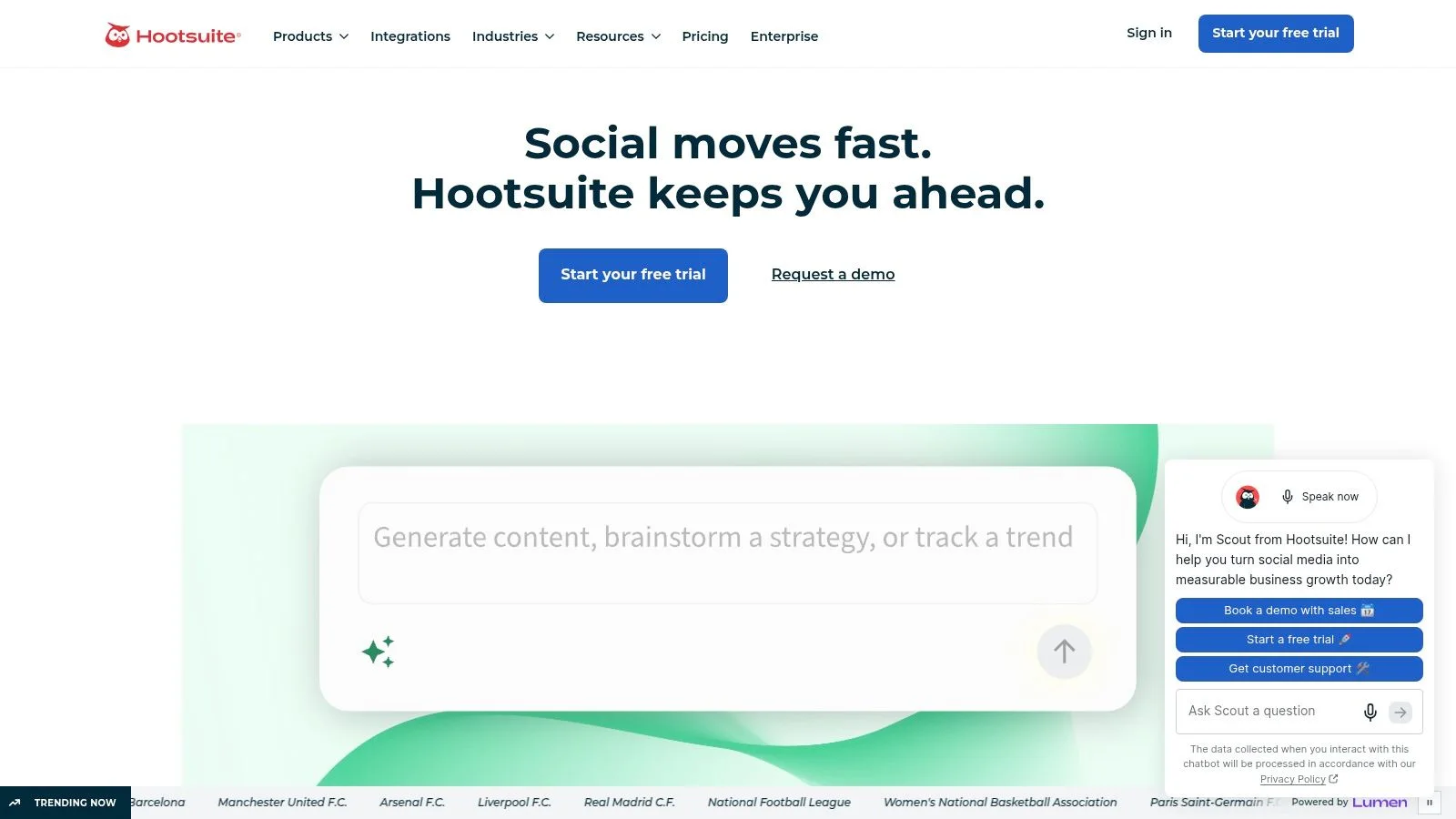
Hootsuite makes the most sense when your workflow is no longer just content publishing. Once multiple people need roles, approvals, inbox coverage, and organizational controls, simple schedulers start to feel thin.
That is where Hootsuite earns its keep. It is a long-standing social management platform with publishing, planning, engagement, monitoring, and a wider integration ecosystem. For larger organizations, maturity matters. Teams often prefer a tool that is less charming but more proven in complex setups.
Best for structured teams
Hootsuite's planner, approvals, team roles, inbox workflows, and wider integration footprint make it useful when social stops being a solo or two-person function. If legal review, customer response, and content planning all touch the same workflow, you need more than a posting calendar.
The compromise is predictable. Hootsuite is usually not the cheapest option, and some capabilities sit behind upgrades or add-ons. That can be fine if your organization uses those layers.
Bigger teams rarely fail because they cannot draft a post. They fail because nobody agrees on who approves it, who monitors replies, and who owns reporting after it goes live.
For creators or very lean teams, Hootsuite can feel like too much system for the job. For marketing departments and cross-functional social teams, that extra structure is the product.
If you are deciding between enterprise-style platforms, this Hootsuite vs Sprout Social breakdown is the comparison I would make before looking at pricing alone. Visit Hootsuite.
4. Sprout Social
Quarterly review is where Sprout Social usually justifies its price. If social leadership needs more than a posting log and a few top-line metrics, Sprout fits the reporting-heavy part of the workflow better than lighter publishing tools.
Its strength is the layer after scheduling. The platform gives teams a cleaner way to track performance across accounts, manage incoming messages, and turn results into reports that clients, executives, or department leads can use. For brands where social has to defend budget, explain trends, or tie activity back to broader marketing goals, that matters more than shaving a few minutes off scheduling.
Sprout also tends to fit teams that have already settled their publishing process and now need better visibility. Buffer is easier to justify for straightforward cross-network publishing. Hootsuite suits organizations that need more operational structure across approvals and roles. Sprout stands out when reporting quality, inbox management, and stakeholder-ready exports sit near the top of the buying criteria.
The trade-off is simple. Sprout uses premium per-seat plans, especially once multiple users and higher-tier features enter the picture. Teams that mainly need a calendar, basic approvals, and dependable posting may not get enough return from it.
- Choose Sprout Social if reporting is part of the job, not an end-of-month scramble.
- Choose something lighter if publishing is the bottleneck and analytics only need to be good enough.
That makes Sprout less interchangeable with Donivo, Buffer, or Later than these lists often imply. It serves a later stage in the stack, after a team has proven it can publish consistently and now needs stronger analysis and clearer reporting. Visit Sprout Social.
5. Later

Later is the tool I would point visual-first teams toward first, especially if Instagram and TikTok are the center of the workflow. Its advantage is not just scheduling. It is the way planning feels when posts are part of a visual sequence rather than isolated units on a list.
For fashion, food, beauty, travel, and creator brands with strong aesthetic consistency, that matters. A visual planner catches problems that a standard calendar often hides.
Best for Instagram and TikTok planning
Later's visual calendar, bulk scheduling for short-form video, collaboration features, AI caption support, and Link in Bio tooling make it especially useful when content packaging matters as much as content timing.
Platform format handling is part of that job. Short-form video is commonly built around a vertical 9:16 canvas, often 1080 × 1920 pixels. This YouTube Shorts aspect ratio guide is a useful format reference, but always check the destination platform before publishing.
Later feels stronger than generalist tools. It is not just asking, “When should this go out?” It is helping answer, “How will this sequence look and feel across visual channels?”
Trade-offs to know
Later is less compelling if your workflow revolves around social inbox management, heavy listening, or complex enterprise reporting. It is broad enough for multi-network publishing, but its center of gravity stays with visual content teams.
If you are choosing between visual planning and analytics-first reporting, this Later vs Metricool comparison captures the split well. Visit Later.
6. Loomly
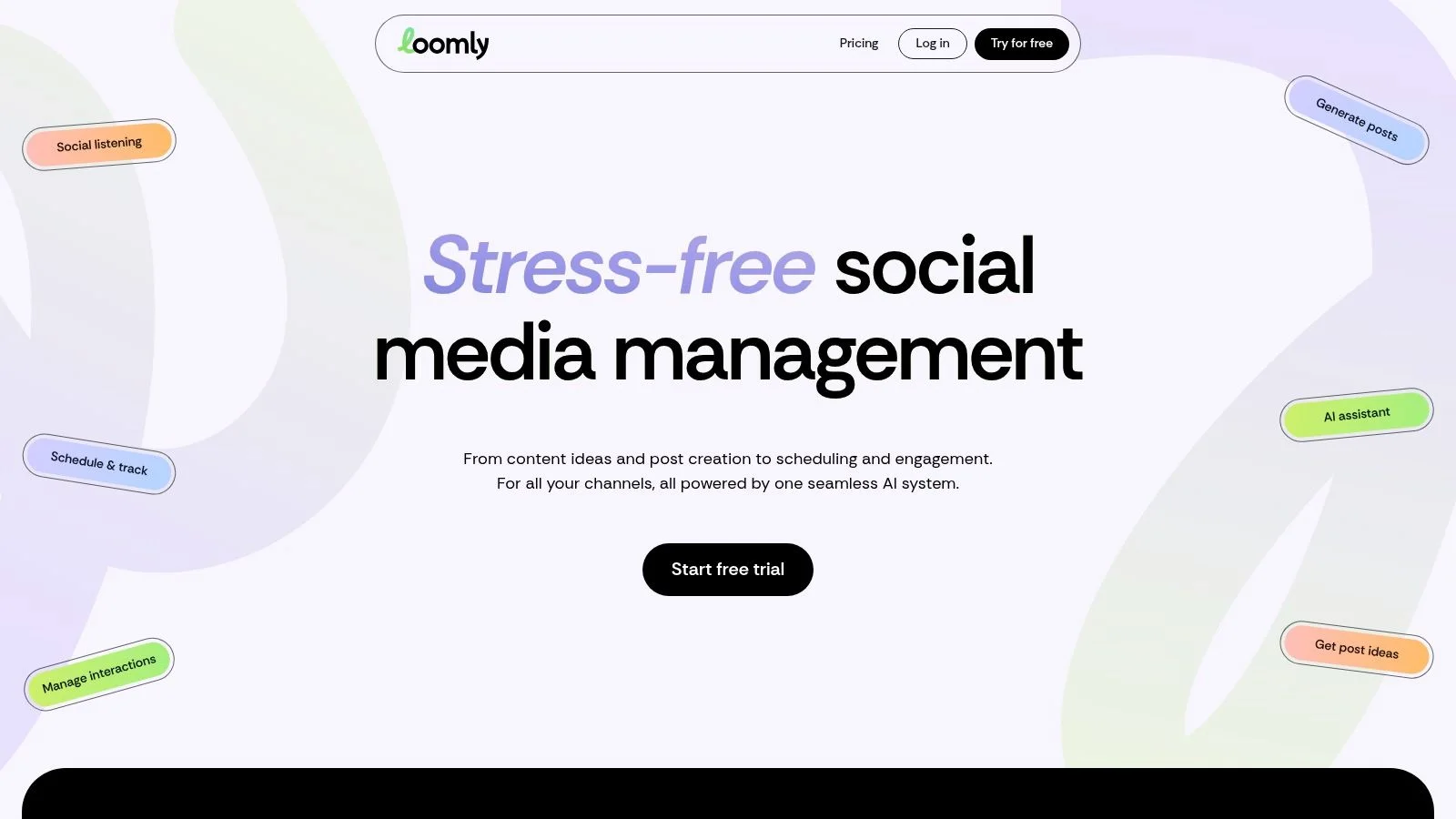
A lot of social teams do not have a publishing problem. They have an approvals problem.
Loomly fits that stage of the workflow well. If drafts are already getting made but stall with a marketer, brand lead, and client contact before they go live, Loomly gives each person a defined step, a comment thread, and a clear publish status inside one calendar.
A practical example helps. On a three-person review chain, a coordinator can prepare the post, the internal lead can request edits in-thread, and the client can approve or leave final comments without pushing feedback across email, Slack, and spreadsheets. That keeps the asset, caption, timing, and approval history attached to the same post.
Loomly's appeal is operational clarity. Its current plans include calendars, approval workflows, roles, scheduling, and analytics, with the entry plan priced at $49 per month when billed yearly. The platform also advertises a nonprofit discount. Verify the current account and user limits before committing.
The trade-off is straightforward. Loomly is stronger as a review and scheduling system than as an analytics or customer-care platform. Teams that need cleaner handoffs, fewer approval delays, and better visibility across stakeholders will get more from it than teams shopping primarily for deep reporting. Visit Loomly.
7. SocialBee
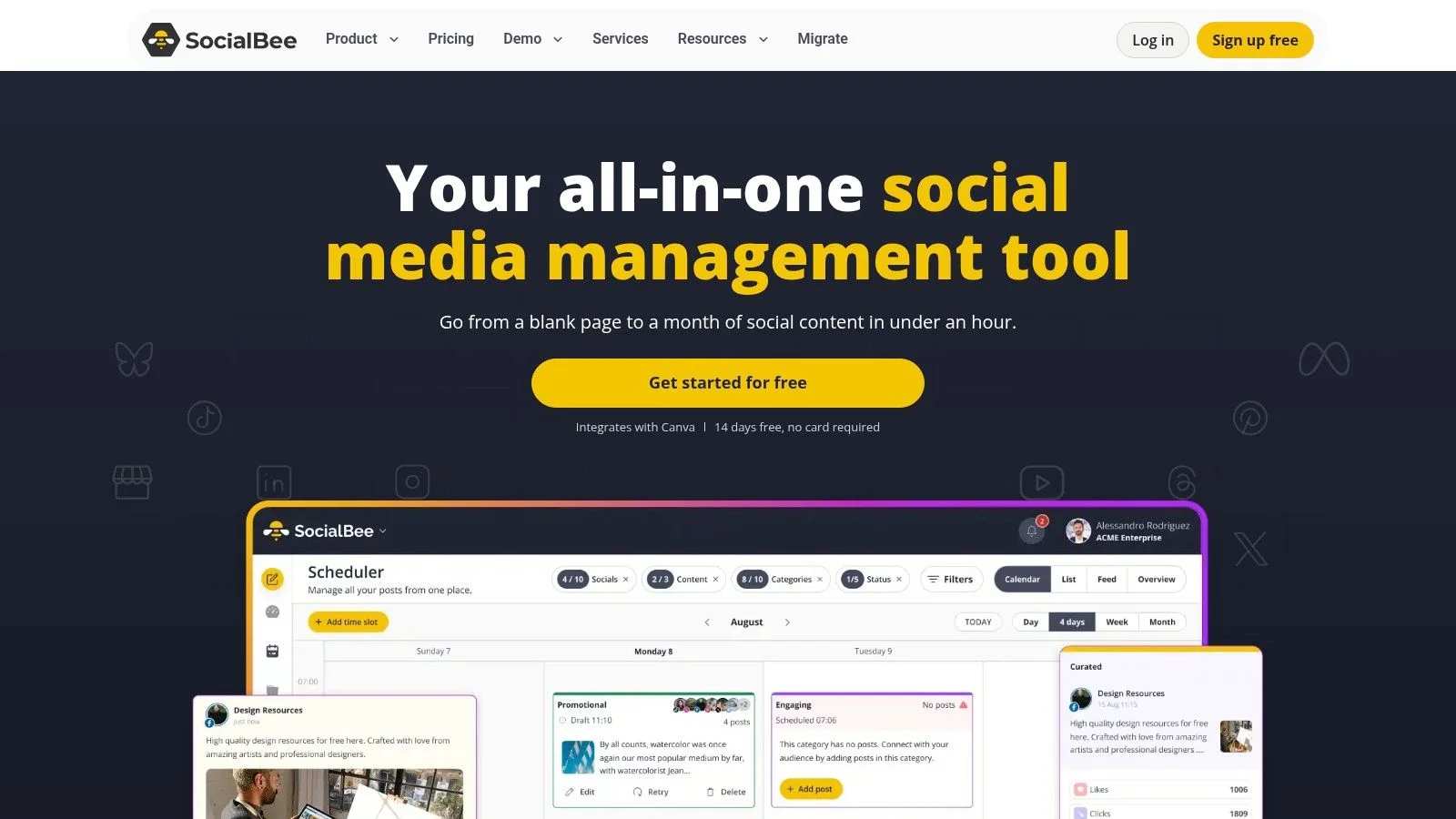
SocialBee is one of the better options when consistency is the challenge. Not campaign launches. Not visual approvals. Just the stubborn week-to-week reality of keeping social channels active without inventing everything from scratch every time.
Its category-based scheduling and evergreen recycling are the main attraction. You organize content by type, assign posting logic, and let the queue keep working. For creators, coaches, SMBs, and brands with a library of reusable material, that setup can remove a lot of calendar stress.
Best for evergreen systems
This is the tool I would choose when your content engine already exists and you need a disciplined way to keep it circulating. SocialBee is practical for educational posts, recurring promotional content, thematic series, and channels where repeatable structure is part of the strategy.
It also pairs well with the way creators are using AI now. A 2026 creator survey reports frequent AI use alongside continued human review before publishing. SocialBee's queue system suits that model because it helps operationalize reviewed, reusable content rather than encouraging raw one-off output.
For a broader look at adjacent tooling categories, Donivo's guide to content creator tools is a useful companion.
Workflow insight: Evergreen scheduling only works when the content stays useful after repetition. If the value depends on novelty or timing, recycling turns into noise fast.
SocialBee is not the strongest pick for deep brand monitoring or enterprise analytics. It is, however, a strong pick for creators and SMBs that want structure, reuse, and steady publishing without paying for a much heavier suite. Its current Bootstrap plan starts at about $24 per month when billed annually. Visit SocialBee.
8. Metricool
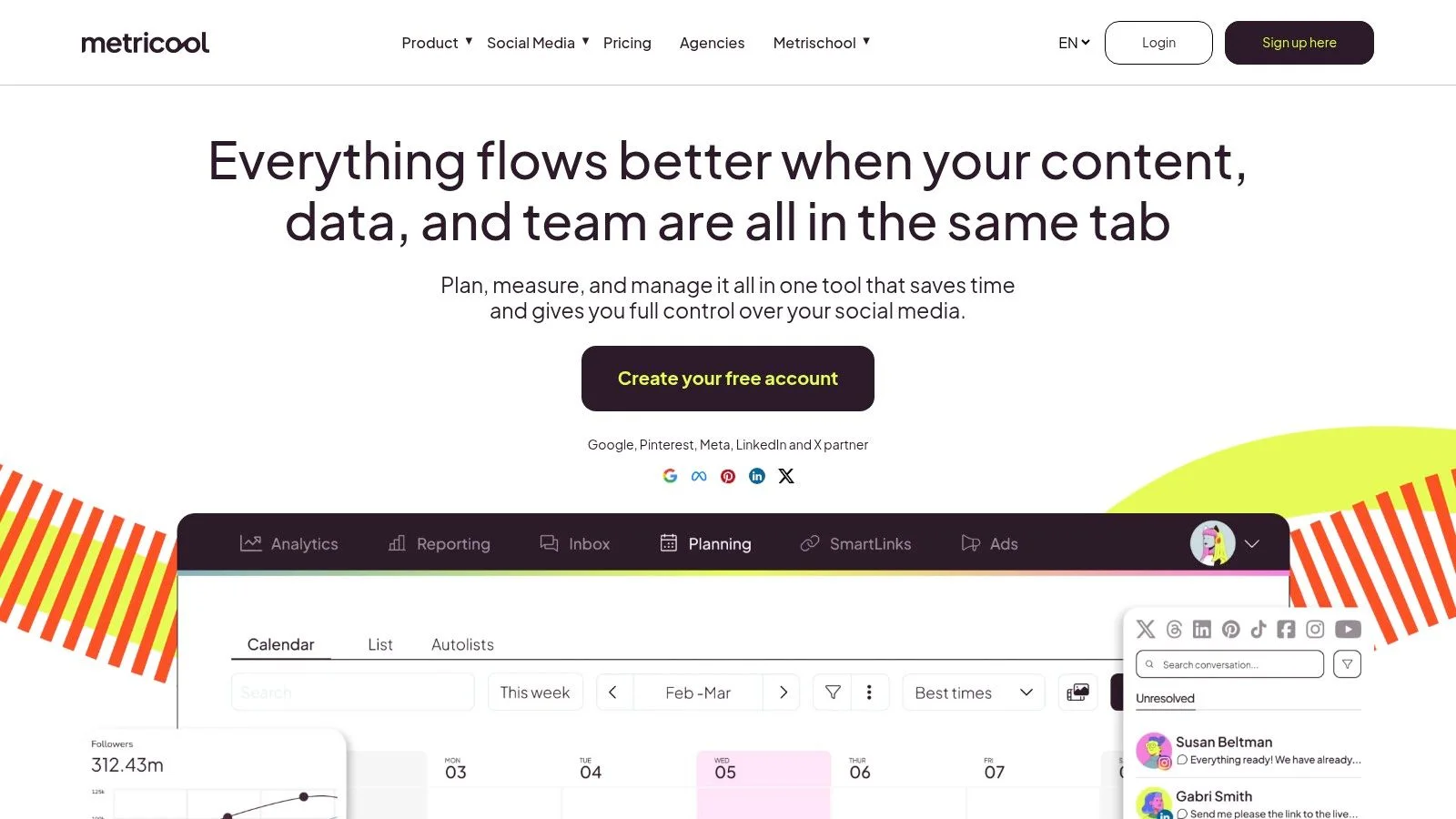
A common team scenario looks like this: publishing is already under control, but the weekly question from a client, manager, or founder is still the hard part. What performed, what changed, and what should happen next?
Metricool fits that job well. I usually place it in the stack for teams that need a working scheduler, but care more about turning activity into reports they can send out. It covers cross-network publishing, but its real value shows up after the posts go live, with analytics, competitor tracking, and reporting that are easier to justify than heavier social suites.
That makes it a practical choice for freelancers, small agencies, in-house teams, and creators who have outgrown lightweight scheduling tools.
The strongest use case is straightforward. If your workflow ends with screenshots pasted into slides, Metricool can clean that up. Scheduled reports, performance views, best-time suggestions, team access, and agency features on higher plans give it a clear role in a publish-and-measure process.
There are trade-offs. X support comes with an added per-account cost, so pricing can shift fast if several client accounts depend on that network. Some advanced reporting and connector options also sit higher up the pricing ladder. Metricool currently offers a free plan for one brand, while paid plans start from about €16 per month and add more brands, reporting, and team controls.
Metricool is less about visual planning than Later, less specialized in evergreen recycling than SocialBee, and less built around thread-first publishing than Publer. Its lane is operational reporting. If your bottleneck is proving results without buying into an enterprise platform, that is where Metricool earns its place. Visit Metricool.
9. Publer
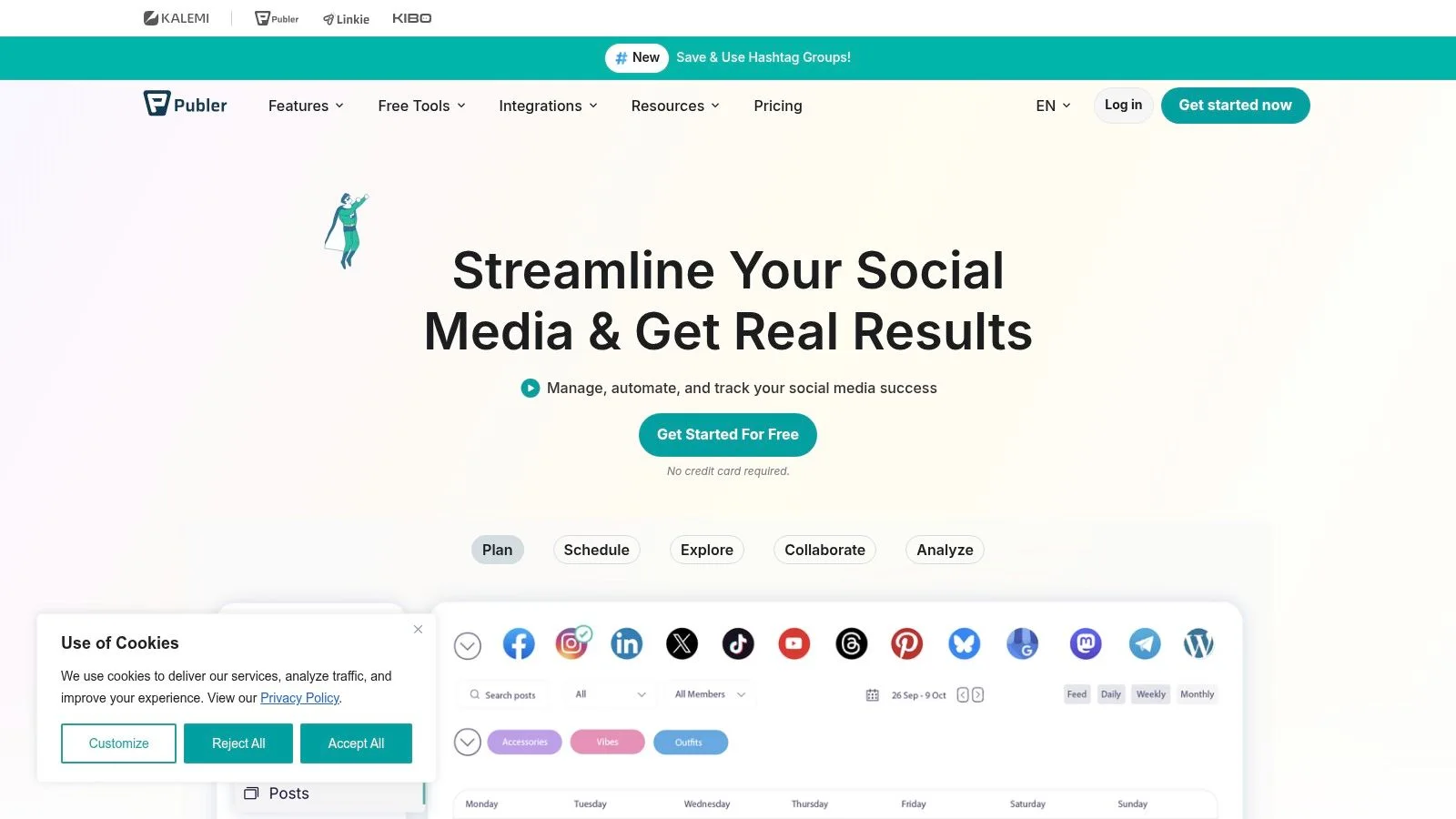
Publer is one of the more practical tools for creators who are active on emerging text networks and do not want those channels treated like edge cases. If Threads, Bluesky, and thread-style posting matter to you, Publer deserves a close look.
That is a specific strength. Plenty of tools technically support new networks. Fewer build around the actual publishing patterns those networks require.
Best for thread-style publishing
Publer stands out for long thread scheduling, bulk posting, previews, drag-and-drop planning, and support for workflows that are increasingly common among creators who publish short updates, commentary, and serialized content across several text-heavy platforms.
This makes it useful for writers, newsletter operators, creators shifting audience beyond X, and teams experimenting with a more distributed text strategy. Its free plan supports up to three social accounts, while paid plans add unlimited scheduling and broader network support. X requires a paid plan because of its API costs.
The trade-off is depth elsewhere. Publer is not where I would go first for top-tier analytics, enterprise controls, or high-level reporting for large organizations. But that is not really the point of the tool. Visit Publer.
10. Sendible
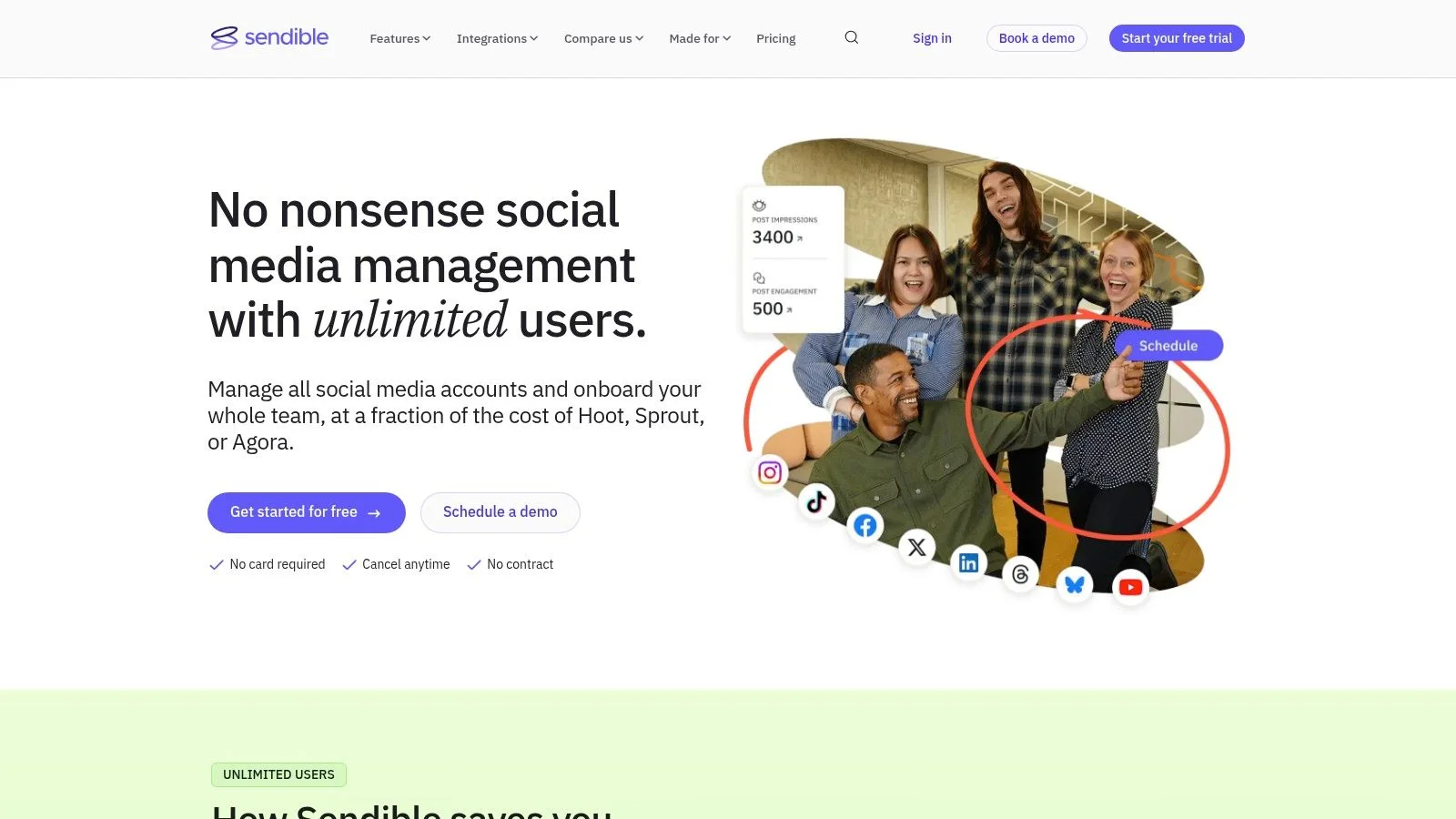
Sendible is built with agencies in mind, and that focus shows up in the right places. Workspaces, client-ready reporting, profile bundles, previews, storage integrations, and positioning around scalable user access all point to the same use case: teams serving clients, not just managing their own brand channels.
That makes Sendible more operationally relevant for agencies than some creator-first tools. The day-to-day needs are different when deliverables, exports, and client communication shape the workflow.
Best for client service workflows
If you need reporting templates, exports, bulk scheduling, post previews, workspace separation, and a structure that accommodates multiple users without per-seat growth, Sendible is a serious option. Its current Core plan starts at $35 per month for one workspace and six profiles, with unlimited users across plans.
A practical benefit here is that agency work often depends on handoff and presentation, not just publishing. Client-facing teams need calendars they can share, reports they can package, and enough separation between accounts that mistakes do not bleed across brands.
For a practical reference on common image and video sizes, this third-party image and video size guide covers common aspect-ratio guidance. Check the destination network's own help pages before publishing because specifications can change. Tools that support previews and publishing checks help prevent format misses before client content goes live.
Main drawback
Pricing clarity is not as immediate as it is with lighter creator tools. The platform emphasizes features and workspace capacity, so evaluation can take a little more digging.
Still, if you run a client-service social team, Sendible understands the job better than many generic schedulers. Visit Sendible.
Top 10 Social Media Content Creator Tools Comparison
| Platform | Core features | UX and quality | Pricing and value | Target audience | Workflow strength |
|---|---|---|---|---|---|
| Donivo | Composer for eight networks, queue and calendar, per-network copy, media, retries, and email alerts | Focused and practical | Free plan; flat Starter, Pro, and Agency plans | Creators, small teams, agencies | Predictable multi-network publishing without enterprise overhead |
| Buffer | Central composer, queue, calendar, analytics, and channel-based publishing | Clean and easy to learn | Free tier; paid plans priced per channel | Solo creators and small teams | Simple cross-posting and approachable onboarding |
| Hootsuite | Multi-channel publishing, approvals, monitoring, inbox, and integrations | Broad, with more setup | Higher-cost plans and add-ons | Larger brands and social teams | Structured governance and engagement workflows |
| Sprout Social | Publishing, inbox, analytics, listening, advocacy, and approvals | Analytics and insights focused | Premium per-seat plans | Growing brands and agencies | Stakeholder-ready reporting and analysis |
| Later | Visual planner, multi-profile scheduling, short-form video, and Link in Bio | Visual-first | Free trial and paid plans by social set | Creators and Instagram or TikTok-first teams | Planning a coherent visual sequence |
| Loomly | Calendars, approvals, roles, scheduling, and analytics | Collaboration focused | Starter from $49/month billed yearly | Teams needing review and workflow control | Clear handoffs before content goes live |
| SocialBee | Category queues, evergreen recycling, bulk editor, and AI content tools | Consistency focused | From about $24/month billed annually | SMBs, creators, and agencies | Reusable content systems and category queues |
| Metricool | Publishing, analytics, competitor tracking, and reports | Analytics forward | Free plan; paid plans from about €16/month | Creators, SMBs, and agencies | Turning publishing activity into reports |
| Publer | Multi-platform scheduling, threads, bulk posting, and previews | Nimble and practical | Free start; paid plans from about $5/month | Creators on emerging text networks | Thread construction and newer-network support |
| Sendible | Agency publishing, client reports, workspaces, previews, and integrations | Client-workflow focused | Core from about $35/month; unlimited users | Agencies and client teams | Client-ready handoff, reporting, and separation |
Build a Stack That Matches the Bottleneck
The wrong way to choose social media content creator tools is to ask which one is “best” in the abstract. The better question is narrower. Which part of your workflow is currently slowing you down, creating errors, or making your team do the same work twice?
That framing matters even more because creator stacks are getting more layered. A 2026 creator AI adoption survey reports that creators use multiple AI tools for different jobs, while time savings, quality, and revenue remain common reasons to adopt them. Cost and weak workflow integration are also recurring reasons to cancel tools. The lesson is simple: choose a stack that fits together cleanly rather than collecting overlapping apps.
That is why no single winner makes sense here.
Choose Donivo if your priority is predictable, focused cross-network scheduling. It is the strongest option in this list for teams that want clear plan limits, multi-workspace organization, support for newer networks, automatic retries, and email alerts without paying for a much heavier social suite.
Choose Later if your workflow is visual-first and Instagram or TikTok shape the content process. Choose Loomly or Hootsuite if collaboration and approvals are the bottleneck. Choose Metricool or Sprout Social if reporting depth and analytics are what stakeholders care about. Choose SocialBee if you publish a lot of evergreen content and want category-based queues. Choose Publer if thread-style publishing across newer text networks is central to your workflow. Choose Sendible if your social operation is agency-led and client reporting is part of the deliverable.
There is also a practical reason not to force one platform to do everything. Independent creator research points to a modular workflow: creators use tools across writing, research, summarization, data analysis, and email marketing while keeping a human review layer. That pattern supports a modular stack, as long as each tool has a clear job and does not create more handoff friction than it solves.
A practical rollout sequence
Start smaller than you think.
- Choose one publishing hub: Pick the tool that will own scheduling and final delivery.
- Define network-specific adaptations: Decide what changes by platform, including copy length, visual format, and CTA style.
- Test a small queue first: Schedule a limited set of posts before migrating your whole calendar.
- Verify live posts manually: Do not assume cross-posting means every network rendered the content the way you intended.
- Review the reporting gap: Only add a second tool when you can clearly name what is missing.
The fastest way to build a messy stack is to buy three tools that all schedule posts, then discover none of them solve approvals, reporting, or reliability the way your team needs.
Another useful pricing lesson comes from creator buying behavior. In the research noted earlier, retention was strongest for tools that fit cleanly into existing workflows, which matches what many teams experience in practice. If setup feels natural and the tool removes a repeated pain point, people keep it. If it creates more process than it removes, they churn.
For teams also evaluating outsourced creative support against in-house workflow tools, this guide to alternatives to Superside is worth reading alongside your stack decisions.
FAQ
How should I choose between scheduling, design, analytics, caption, and repurposing tools?
Start with the constraint. If posts are not publishing reliably, fix scheduling first. If content looks inconsistent, add a design tool. If you cannot explain results, add analytics. If drafting is slow, use a caption or ideation tool. If one asset needs to become many posts, add repurposing support.
Should one platform manage every social network?
Not always. A single publishing hub is usually a good idea, but forcing one platform to own every step of creation, approval, analytics, and community management often creates compromises. It is usually better to let one tool own publishing, then add another only when a specific gap becomes painful.
What pricing limits should I check before committing?
Check social account limits, workspace limits, monthly post caps, user roles, approval features, and whether certain networks require higher tiers or add-ons. Also check whether analytics, exports, or collaboration features are bundled or locked behind upgrades.
When is Donivo a better fit than a heavier social suite?
Donivo is a better fit when publishing reliability and cross-network simplicity matter more than deep analytics or enterprise governance. It works especially well for creators, small teams, nonprofits, and agencies that want modern network coverage, predictable pricing, and a straightforward workflow they can implement quickly.
Choose the tool that removes the current workflow bottleneck, not the one with the longest feature list.
Donivo gives you a focused way to plan, adapt, and publish content across major and emerging social networks without turning scheduling into a heavyweight project. If your main need is reliable cross-network publishing, clear pricing, and practical workflow safeguards like retries and alerts, take a closer look at Donivo.