How to Schedule Facebook Posts
·Updated ·13 min read

There are two practical ways to schedule a Facebook post: natively, with Meta's free Business Suite, or with a social media scheduler that posts to Facebook and your other networks at the same time. The right choice depends on whether you need one reliable Page queue or a wider publishing workflow.
If you just want the fastest route, use Meta Business Suite for a single Facebook Page. If you also post to Instagram, X, LinkedIn, or TikTok, a scheduler can save the repetitive work of rewriting the same update in every app. This guide covers the desktop and mobile paths, timing, queue management, and recovery when a scheduled post fails.
Choosing Between Native Tools and a Scheduler
A Page may be due this week while another channel needs a different version of the same campaign. That is the real choice: stay inside Meta's tools for a simple setup, or use a scheduler when switching between calendars starts to take more time than the publishing itself.
Where native tools fit and where they do not
Meta Business Suite covers the basic path well. A Page admin can create a post, schedule it, then return later in Planner or in Content > Posts & reels > Scheduled to edit, reschedule, or delete it. See Meta Business Suite scheduling help for the current control labels.
Facebook also keeps a hard scheduling window. Posts can be queued only 20 minutes to 29 days ahead, and the timing follows your current time zone. See Meta's scheduling limits before planning a campaign that needs a longer horizon. If a post needs to go out sooner than that, scheduling is the wrong tool, so publish it directly instead.
Native tools are usually enough for a single Page. The gap shows up when the work is no longer just Facebook. A multi-network calendar, a shared queue, and one place to review approvals save real time for teams that publish across channels. A scheduler also helps when failed posts need a cleaner recovery path.
For a wider comparison of native workflows and external tools, read the native scheduling overview.
| Feature | Meta Business Suite (Native) | Third-Party Scheduler (Donivo) |
|---|---|---|
| Facebook Page scheduling | Yes | Yes |
| Cross-network calendar | No | Yes |
| Queue-based publishing | No | Yes |
| Retry handling for failed posts | Limited manual recovery | Automatic retry and alerts |
| Scheduling window | 20 minutes to 29 days ahead | Platform-aware scheduling with Facebook's ceiling still applying |
| Best fit | Solo creator, small business, or single Page | Multi-brand, agency, or multi-network team |
Scheduling Posts in Meta Business Suite on Desktop
Desktop is the safer place to schedule a Facebook Page post when you need to check the preview before it goes live. Start at business.facebook.com, open the right Page from the account switcher, then go to Planner or Create post. The Page selection matters, since one wrong click can queue the post to the wrong brand.
The desktop click path
- Open Meta Business Suite and choose the Page you want to post to.
- Click Create post, write the post, and add any photos, video, or a Reel.
- Review the text, media, and link preview before you touch the time picker.
- Open the publish options next to Publish and choose Schedule.
- Pick a date and time from 20 minutes to 29 days ahead, confirm, and check the scheduled queue.
Your post now sits in the Scheduled tab, where you can review everything before it goes live. For Meta's current scheduling window and instructions, see Meta's Page scheduling guide.
Practical rule: lock the message first, then use preview to catch formatting problems before you touch the time picker.
Broken line breaks, awkward link cards, and badly cropped images are easier to fix in the preview than after the post is queued. If you publish image-heavy content often, check the dimensions before upload with the Facebook post image size guide.
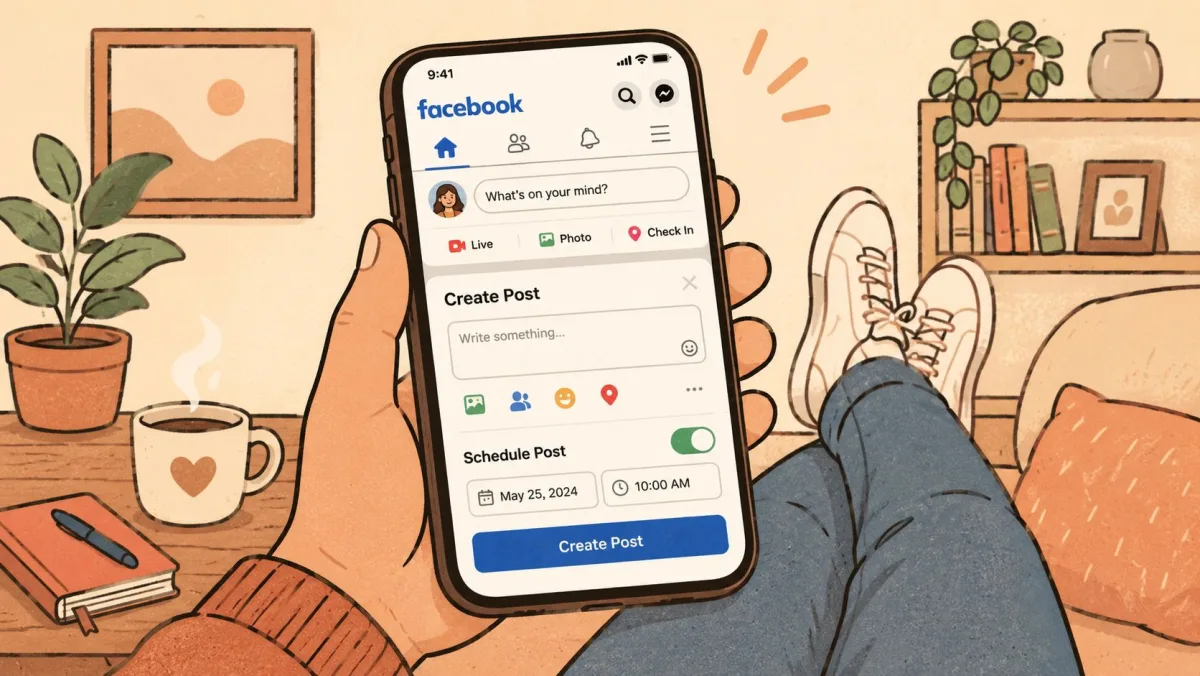
A desktop scheduler is still not one workflow for every format. Carousels and Reels can behave differently from a standard feed post, so do not assume every content type follows the same click path. Treat each format as its own publishing lane when the post needs tighter control over the final look.
Edit, Reschedule, or Delete a Scheduled Post
Plans change, so it helps to know where scheduled posts live. In Business Suite, open the Content tab and filter by Scheduled. Click any post to:
- Edit the text or media before it publishes.
- Reschedule it to a new date and time.
- Delete it, or publish it immediately if plans move up.
Once a post has gone live you can edit its caption, but you can no longer change its scheduled time. Double-check the slot before you confirm it.
Scheduling from the Mobile App
Mobile scheduling is useful when the desk workflow is too slow, but it is not the same as desktop. Open the Facebook app, switch to your Page profile, tap Create Post, write the post, then tap the calendar icon next to Post now to choose the date and time. See Facebook mobile scheduling help for the current app flow.
What mobile does well
The mobile composer handles text, photos, and video without much friction. It is the faster choice when you are away from your laptop and only need to get a clean post into the queue. It also works well for simple announcements where you do not need to fine-tune a link card or fuss over layout.
If the post needs close formatting control, use desktop. Mobile is faster, not richer.
For a cleaner mobile preview before you commit the post, use the social post preview tool as a practical checkpoint.

Schedule Facebook Alongside Your Other Networks
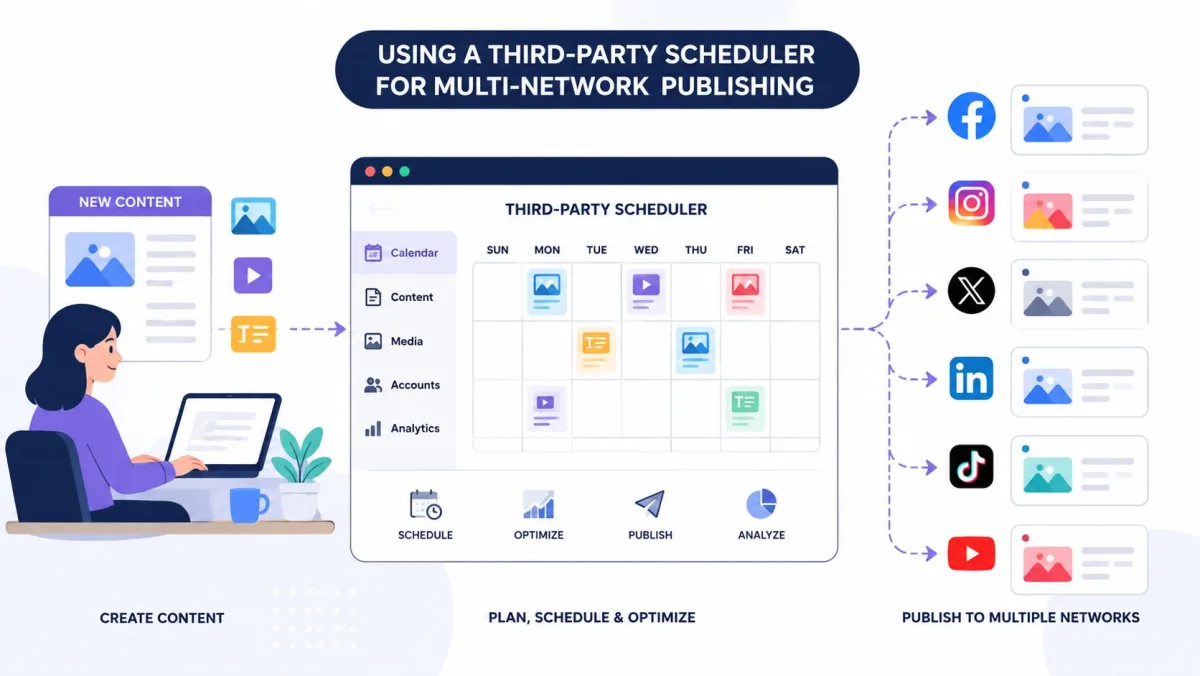
Native scheduling falls apart the moment you also post to Instagram, X, LinkedIn, or TikTok. You end up rewriting the same post in several tools and juggling several calendars. The next workflow keeps the supported network versions in one working view.
Using a Third-Party Scheduler for Multi-Network Publishing
Native Facebook tools are fine until your week stops being just Facebook. If you need to publish to Instagram, LinkedIn, X, or other channels from the same content plan, a third-party scheduler can cut repetitive work. The win is not only convenience. It is a single content calendar, fewer tabs, and less chance that one platform gets updated while another gets forgotten.
Why teams move off the native flow
A multi-network scheduler lets you build one draft, tailor it per channel, and place it in a shared calendar. That helps when the same campaign needs a Facebook post, an Instagram version, and a LinkedIn variation without starting over each time. For operators managing client work or brand portfolios, that consolidation is often the primary time saver.

It also helps with content recovery. Instead of discovering a failed publish only after someone notices a gap, the tool can surface it in a dedicated queue and prompt a retry. That matters because silent failures create calendar holes that look like strategy problems but are really workflow problems.
For a wider look at platform options, see the best social media scheduling tools comparison. If you are building image-heavy campaigns, pairing scheduling with a guide to AI photo upscaling for creators can also help when a source asset needs cleanup before publication.
Multi-network tools pay off when the calendar is the job, not just the post.
Donivo connects your Facebook Page alongside Instagram, X, YouTube, TikTok, LinkedIn, Threads, and Bluesky. Write your post, pick the accounts, set a time, and Donivo publishes it for you - retrying automatically and emailing you if anything fails. You can queue a longer-term plan beyond Facebook's 29-day native window.
Native Scheduling vs Social Media Scheduler
| Feature | Meta Business Suite | Scheduler (e.g. Donivo) |
|---|---|---|
| Cost | Free | Free tier, paid upgrades |
| Platforms | Facebook + linked Instagram | 8 networks at once |
| How far ahead | 20 minutes to 29 days | Unlimited |
| Failed-post retry | Manual | Automatic + email alert |
| Best for | One Facebook Page | Multi-platform posting |
In short: if Facebook is the only place you post, Business Suite is all you need. If you manage several networks, a scheduler saves the repetitive work and gives you one calendar for everything.
Can You Schedule to a Personal Facebook Profile?
Not through Meta Business Suite - it only schedules Facebook Pages, not personal profiles. If you currently post from a profile, the simplest fix is to create a free Facebook Page for your brand or project; Pages also unlock insights and advertising that profiles cannot use. A handful of third-party tools can publish to a profile, but a Page is the officially supported route for scheduled content.
Schedule Reels and Video to a Facebook Page
Scheduling is not limited to text and photos. Business Suite and most schedulers can queue Reels and standard videos to a Page the same way - add the file, write a caption, and pick a time. Two things matter with video:
- Uploads take time. A large video can take several minutes to process. Schedule it well before the slot rather than a minute ahead, so processing finishes in time.
- Format matters. Reels are vertical (9:16); a landscape clip posted as a Reel gets cropped awkwardly. Match the aspect ratio to the format you are posting.
Picking the Best Time to Publish
There is no single best time for every Page. The practical move is to use Facebook's timing signals, then test them against your own audience behavior. Meta Business Suite includes Active times, which suggests publication windows based on when followers were most active on Facebook and Instagram over the past 7 days. See Meta's Active times help for the current feature details.
Use timing signals instead of guesses
Benchmark data helps narrow the first test window. One benchmark summary points to stronger Facebook engagement on Tuesdays and Wednesdays from 12 to 8 p.m. local time, with Mondays and Thursdays showing secondary spikes. Another analysis of 14 million Facebook posts found Thursday at 9 a.m. as the single best time. That is why a controlled A/B test usually beats trusting one universal slot.
Keep the post format the same and change only the time block. Use local time, not your own time zone, then compare engagement and click behavior across a few weeks. If your audience is spread across regions, normalize by follower location or you will misread what worked. The best Facebook posting times guide is a useful comparison point when your own results start to cluster around a repeatable window.
| Time Block | Post Format | Avg. Reach | Engagement Rate | Best Day |
|---|---|---|---|---|
| Morning | Link post | Qualitative benchmark only | Qualitative benchmark only | Thursday |
| Midday | Image post | Qualitative benchmark only | Qualitative benchmark only | Tuesday |
| Afternoon | Video post | Qualitative benchmark only | Qualitative benchmark only | Wednesday |
For a more hands-on way to pick a slot, use the internal Facebook best time to post tool.
Morning scheduling can still beat later-day posting for click-driven content. One experiment summarized by the American Marketing Association showed morning scheduling increased link clicks by 8.8% versus afternoon posts and 11.1% versus evening posts. See the AMA summary via Crowbert for the cited experiment, then confirm the pattern in your post-level analytics.
Post at the Right Time
Scheduling only helps if you pick a slot you can explain. Use the best time to post tool to compare Facebook's strongest windows in your timezone, and check your caption length with the character counter before you queue it. Then batch a week or a month of posts in one sitting, so your Page stays active even when you are heads-down on other work.
Managing and Recovering Scheduled Posts
Scheduled posts are only useful if you can find them again. In Meta Business Suite, the queue lives in Planner and in Content > Posts & reels > Scheduled, where you can open a post, edit it, reschedule it, or delete it before it goes live. See Meta's scheduled posts help for the current queue controls.
What to check when a post fails
The most common publish issues are operational, not creative. An expired access token, a media upload problem, or a bad link preview can stop a post from going out cleanly. If a scheduled item does not publish, check whether the Page still has the right access, whether the media file is compatible, and whether the link preview rendered correctly in the composer.
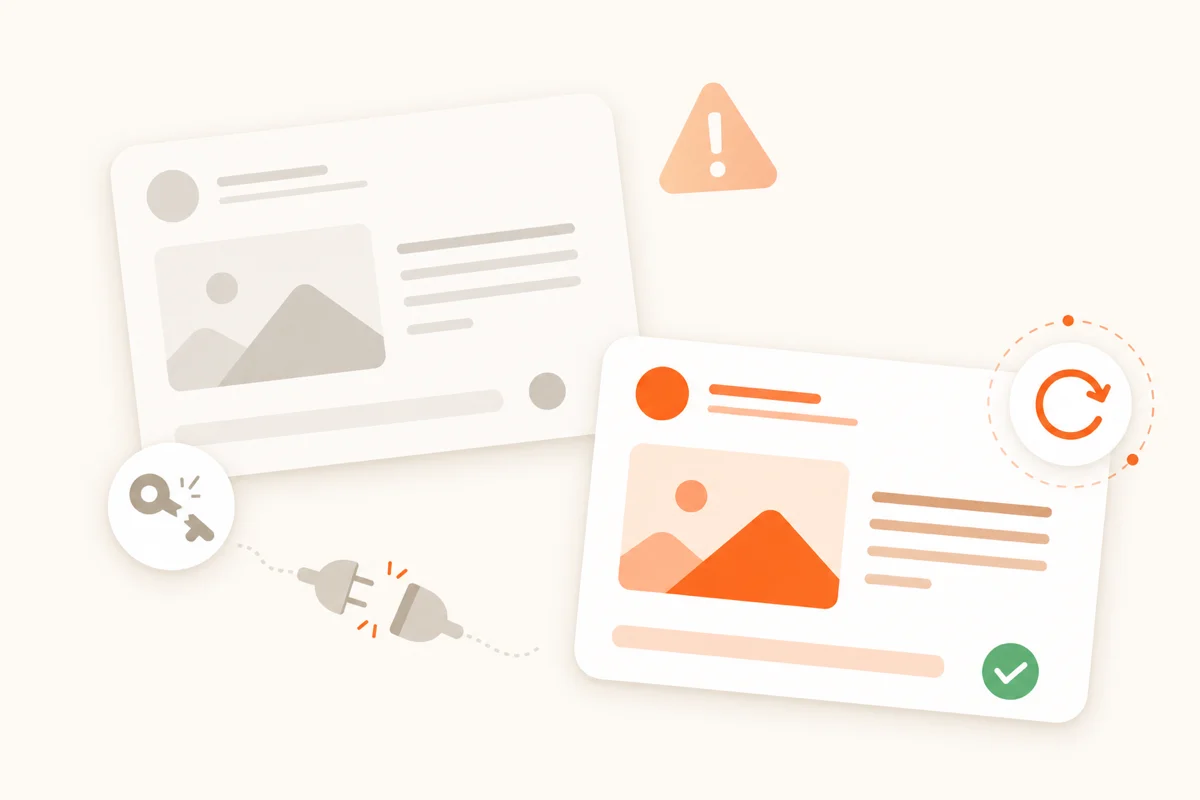
- Expired connection. Facebook access tokens expire and are periodically revoked, which can cause a queued post to fail. Reconnect the Page if you see an authentication warning.
- Lost Page role. If your admin or editor access to the Page was removed, scheduled posts stop publishing.
- Media limits. Files that exceed Facebook's size limits, or videos in an unsupported format, will be rejected.
- No retry. Native scheduling will not try again if publishing fails. A scheduler that retries automatically and alerts you - like Donivo - keeps a hiccup from becoming a missed post.
The weekly habit that saves the most pain is a quick queue audit. Open the scheduled list, scan for stale drafts, verify that timestamps still make sense, and confirm that no important campaign is sitting in the wrong surface. If you use a third-party scheduler, look for an error queue and any retry prompts, because the value there is catching failures before the calendar goes quiet.
A quiet queue is not always a healthy queue. Sometimes it just means nobody checked the failure list.
If a post needs changing after it is already published, that is an edit-to-live workflow, not a scheduling workflow. If it has not gone live yet, reschedule it from the queue instead of duplicating it and creating two versions of the same post.
How Often Should You Post to Facebook?
Scheduling makes a consistent cadence realistic, but more is not automatically better. Start with a cadence you can sustain, then use Page Insights to compare reach and engagement by format and posting time. Batch the next week or month, review the results, and adjust the queue instead of chasing a universal posts-per-week target.